


Heading
Close X
Menu

Welcome to the Support & How-To Guides section from Euro Commercials. This resource is designed to help Mercedes-Benz van owners with practical advice and step-by-step instructions for keeping your van in top condition. From refilling essential fluids like AdBlue to addressing battery warnings or using safety features such as the emergency call button, our guides make van ownership easier and more reliable. Explore the topics below to find expert support tailored to your vehicle.
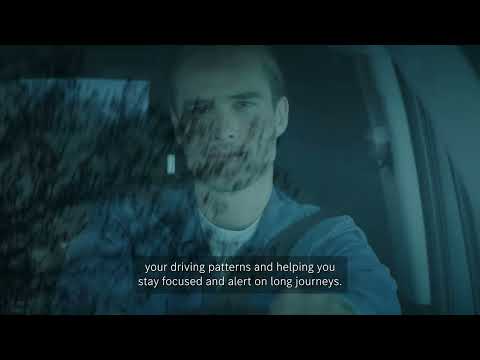
Mercedes‑Benz vans introduced new standard safety features to meet Europe’s July 2024 General Safety Regulation, including Active Brake Assist that can react to vehicles, pedestrians and cyclists, enhanced Attention Assist, Intelligent Speed Assist, Active Lane Keeping Assist, and a reversing camera to make everyday driving safer.
These systems now come as standard with optional upgrades available, and the range has achieved a Platinum Euro NCAP for Vans rating, reflecting a long‑standing commitment to safety.
Mercedes-Benz diesel vans like the Vito, Sprinter, and Sitern use AdBlue to reduce emissions. When you see a low AdBlue warning, it’s important to refill the tank at your earliest convenience to avoid interruptions, as the van may not start if the tank runs empty.
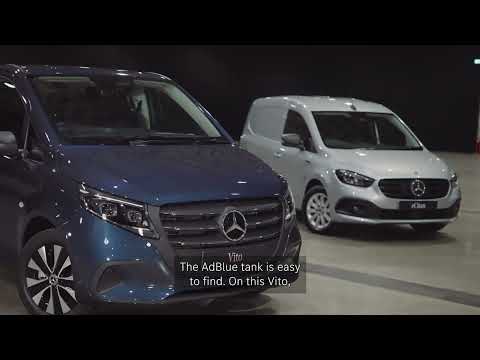
The AdBlue tank is located beside the passenger door, near the diesel filler. Always ensure the engine is off and the fill area is clean before refilling. Use only AdBlue that meets ISO 22241 standards, available from authorized Mercedes-Benz dealers.
After refilling, start your engine—the vehicle will recognize the update, and the warning light should disappear after a short drive. Regularly checking and topping up AdBlue helps keep your van running smoothly without unexpected downtime.
For a complete step-by-step demonstration, watch the video next to this guide. It visually walks you through the AdBlue refill process to ensure you refill safely and correctly every time.
If your Mercedes-Benz van shows a "12V battery low" warning, don’t worry—often it’s an easy fix. This alert usually means your battery needs recharging, not replacement. Check your Mercedes-Benz app for updates.
The quickest solution is to drive your van for 20–30 minutes on a clear road to recharge the battery. Alternatively, you can use a trickle charger as explained in your vehicle manual. If the warning remains, please contact your local Mercedes-Benz dealer for assistance. For a visual walkthrough, watch the YouTube video next to this text that demonstrates how to handle the 12V battery low warning effectively.
The Mercedes-Benz eSprinter Van is equipped with an emergency call (SOS) button for your safety. In the event of an accident or emergency, simply press the SOS button located on the vehicle’s overhead console.
This will immediately connect you to a trained response specialist who can provide urgent assistance and notify emergency services if needed. The system automatically shares your vehicle’s location and key details with responders, ensuring help arrives promptly in critical situations. This feature operates 24/7, giving you peace of mind every time you drive your van.
For a detailed demonstration on how to use the emergency call button, please watch the YouTube video placed next to this text.
Connecting your phone to your Mercedes-Benz van is quick and simple. Enjoy hands-free calls, easy access to your music library, and much more by pairing your iPhone or Android device with your van’s Bluetooth system.
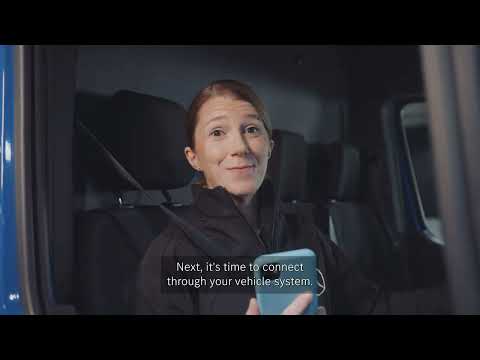
To connect, start by turning on Bluetooth in your phone’s settings and make sure your device is discoverable. On the vehicle’s system, select the phone icon to begin scanning for nearby Bluetooth devices. Press the “Connect Device” button, and look for the vehicle’s MBUX number on your phone’s Bluetooth screen. Select this number to connect.
You will then see a six-digit passkey on the van’s display. Confirm this passkey on your phone by pressing the “Pair” button. Once paired, you’re ready to enjoy seamless connectivity while driving.
If you need further assistance, please contact us.
For a step-by-step visual guide, watch the YouTube video displayed next to this text.
Whatever your question or feedback we are here to help. So please feel free to contact us
Immerse yourself even deeper. Visit our social channels